How Onescle keeps every shop's data safe
Shop isolation enforced by the database itself, two-step sign-in, encrypted tokens, rate limits, backups and an audit trail. How Onescle protects every merchant, in plain language.
When a merchant moves their shop to Onescle, they trust me with their customers' names, phone numbers, addresses and orders. For many of them, that data is the business. So security in Onescle is not a settings page. It is built into how the system works, from the database up.
Here is how Onescle protects every shop, in plain language.
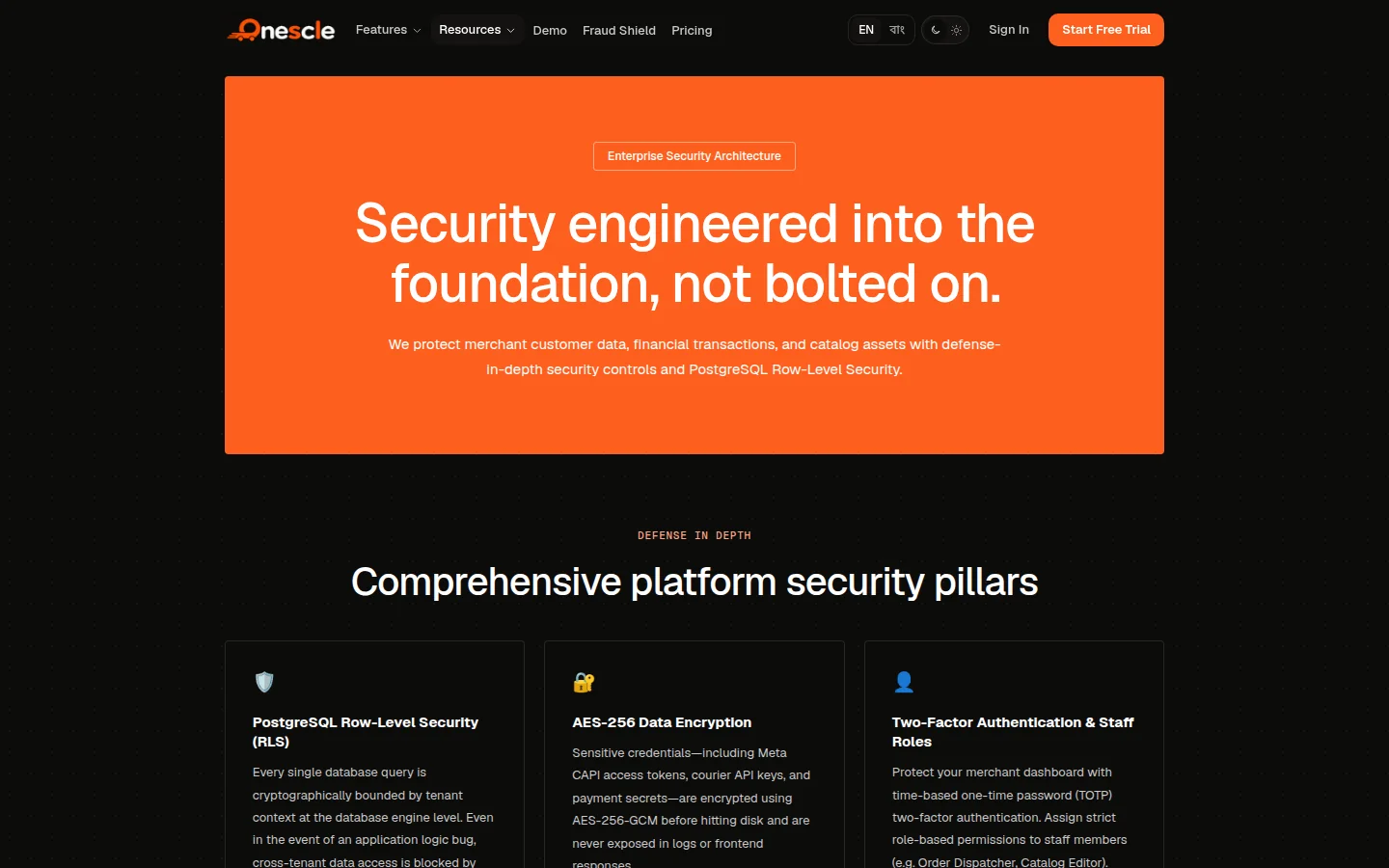
Every shop is locked inside its own space
Onescle is one platform with many shops, and they all share one database. The biggest risk in that kind of system is simple: a bug that lets shop A see shop B's orders.
Most apps protect against that only in the application code. Every query must remember to add "only for this shop". If one developer forgets once, data leaks.
Onescle protects it twice:
- 1The application scopes every request to the shop it belongs to.
- 2PostgreSQL itself enforces it with row-level security. At the start of every database transaction, Onescle tells PostgreSQL which shop is asking, and the database refuses to return rows from any other shop. Even a buggy query cannot read another shop's data.
Signing in is more than a password
A stolen password is the most common way accounts get taken over. So on Onescle a correct password never creates a session by itself.
- Your email is verified first. New accounts get a 6-digit code by email. The code works for 10 minutes, allows 5 wrong guesses, and is stored only as a hash.
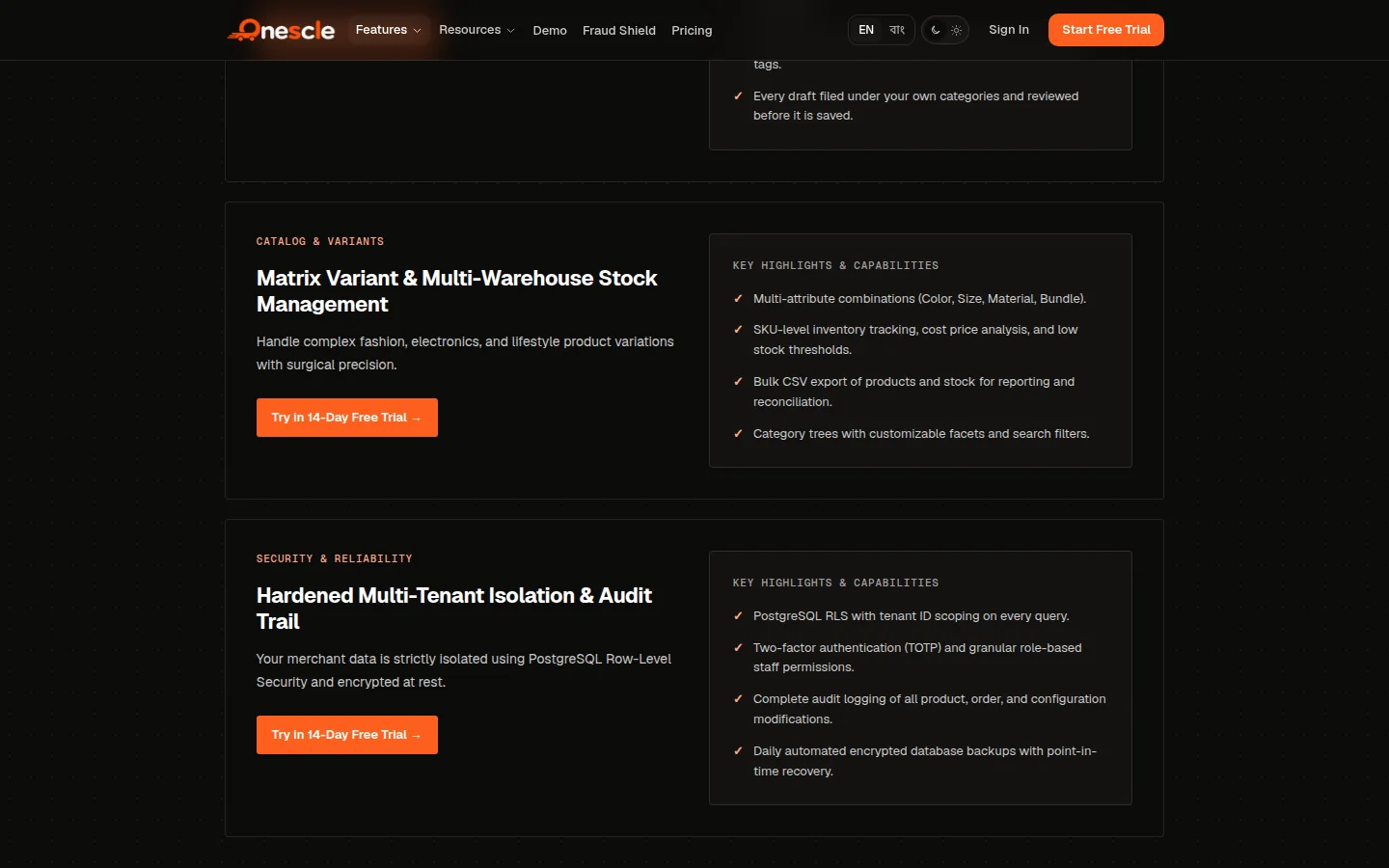
- Two-step verification. After the password, you confirm with an authenticator app or an email code. Authenticator users also get ten one-time recovery codes in case they lose their phone.
- If two-step is turned off, you see a warning on the dashboard, the phone app and the desktop app, and it cannot be dismissed.
- QR sign-in. To sign in on a computer, scan the QR code with the Onescle phone app and approve it, with your fingerprint or face if the app lock is on. The code expires after two minutes.
- Passwords are hashed with Argon2, and sensitive tokens are encrypted with AES-256-GCM, so a copy of the database alone does not give anyone access.
Traffic is filtered before it reaches the shop
Every request passes through Cloudflare first. That gives each shop a firewall and DDoS protection, and free SSL on its own domain, without the merchant setting up anything.
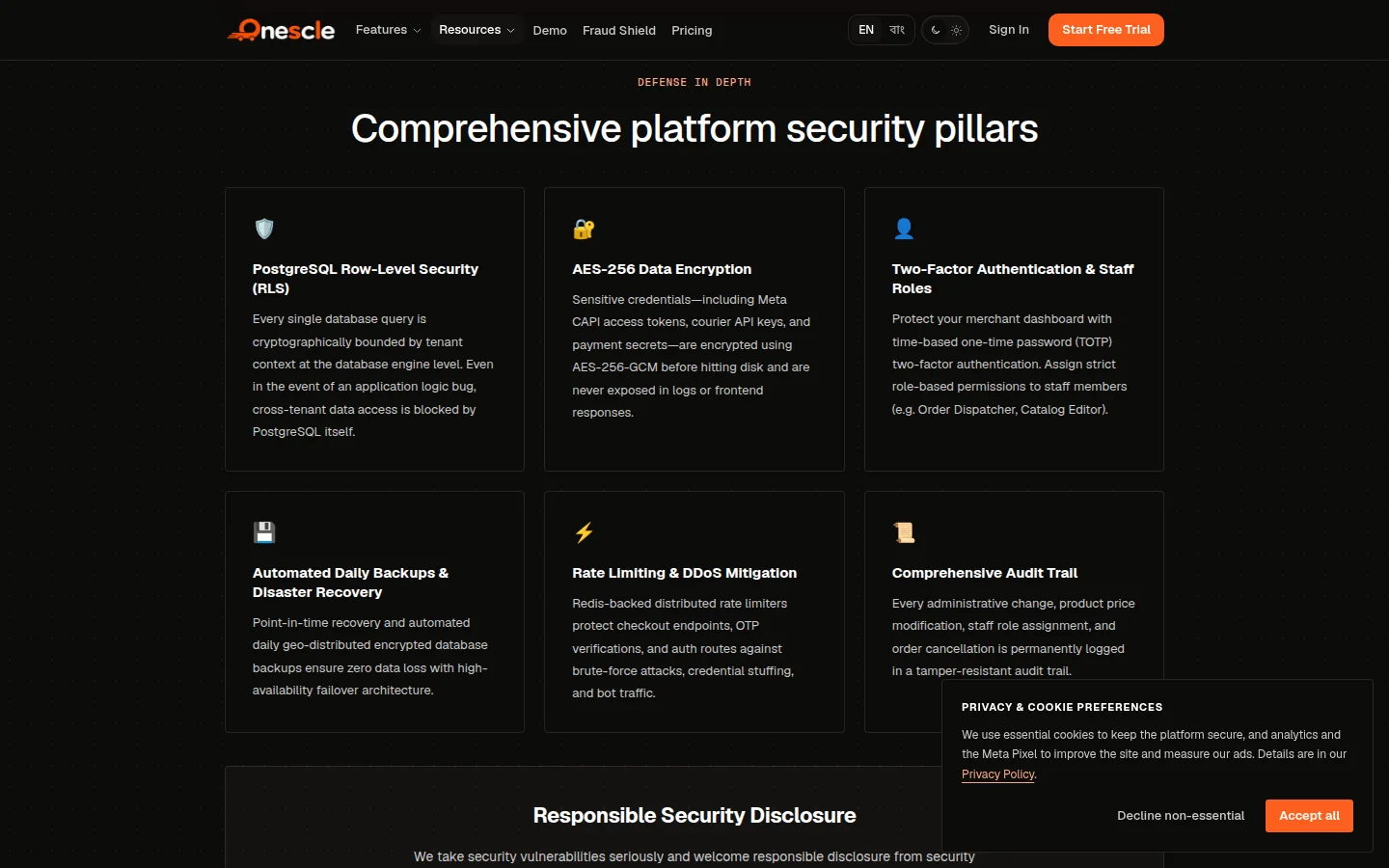
Behind that, Onescle limits how fast requests can come in, using Redis. Sign-in, sign-up and verification routes have their own stricter limits, so nobody can try thousands of passwords or flood someone's inbox with codes.
Nothing is lost, and everything is recorded
- Daily backups of the database are stored separately, in Cloudflare R2, so a bad day can be undone.
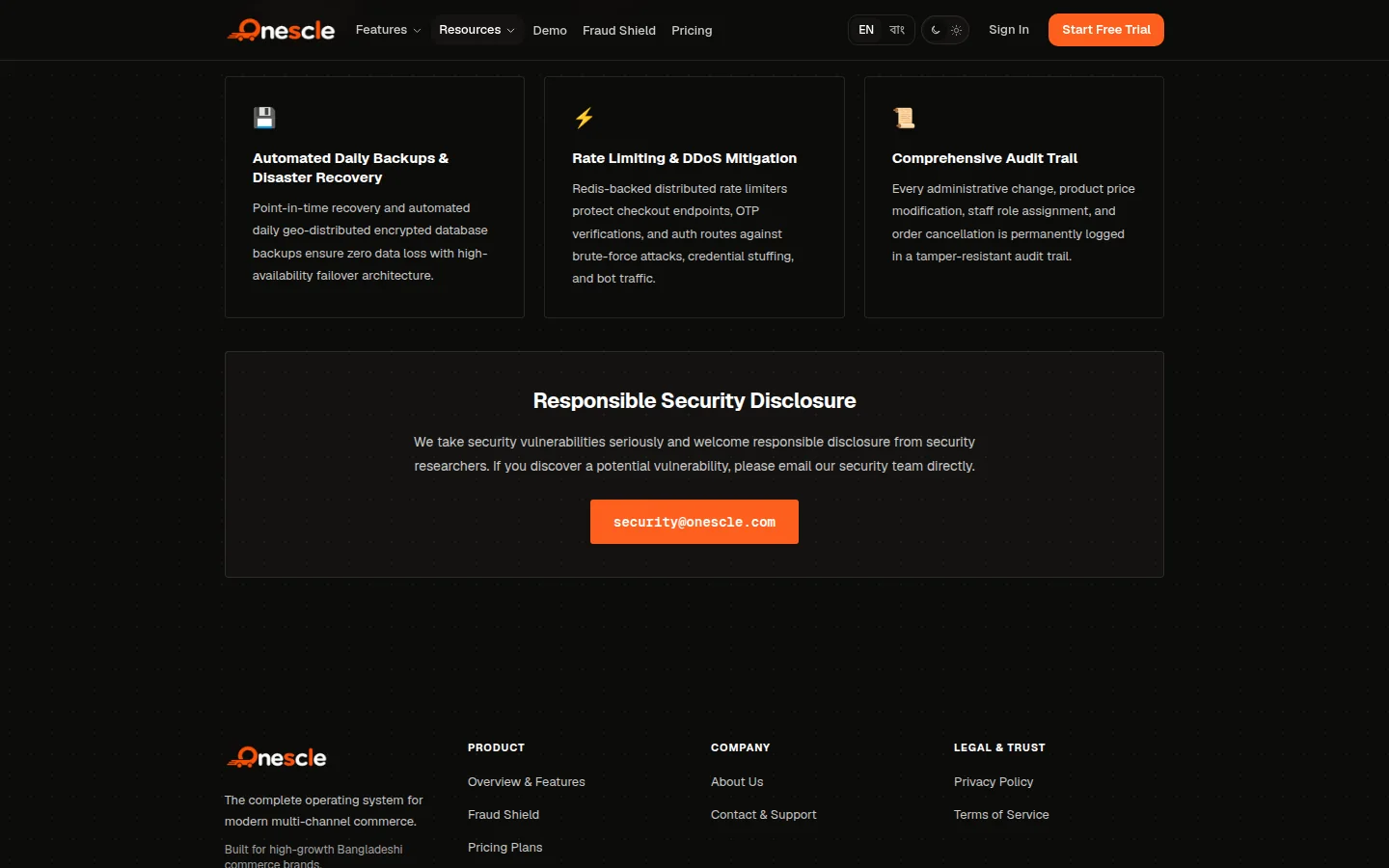
- An audit trail records important changes: who changed a price, a setting or an order, and when.
Protecting the merchant's money, not just their data
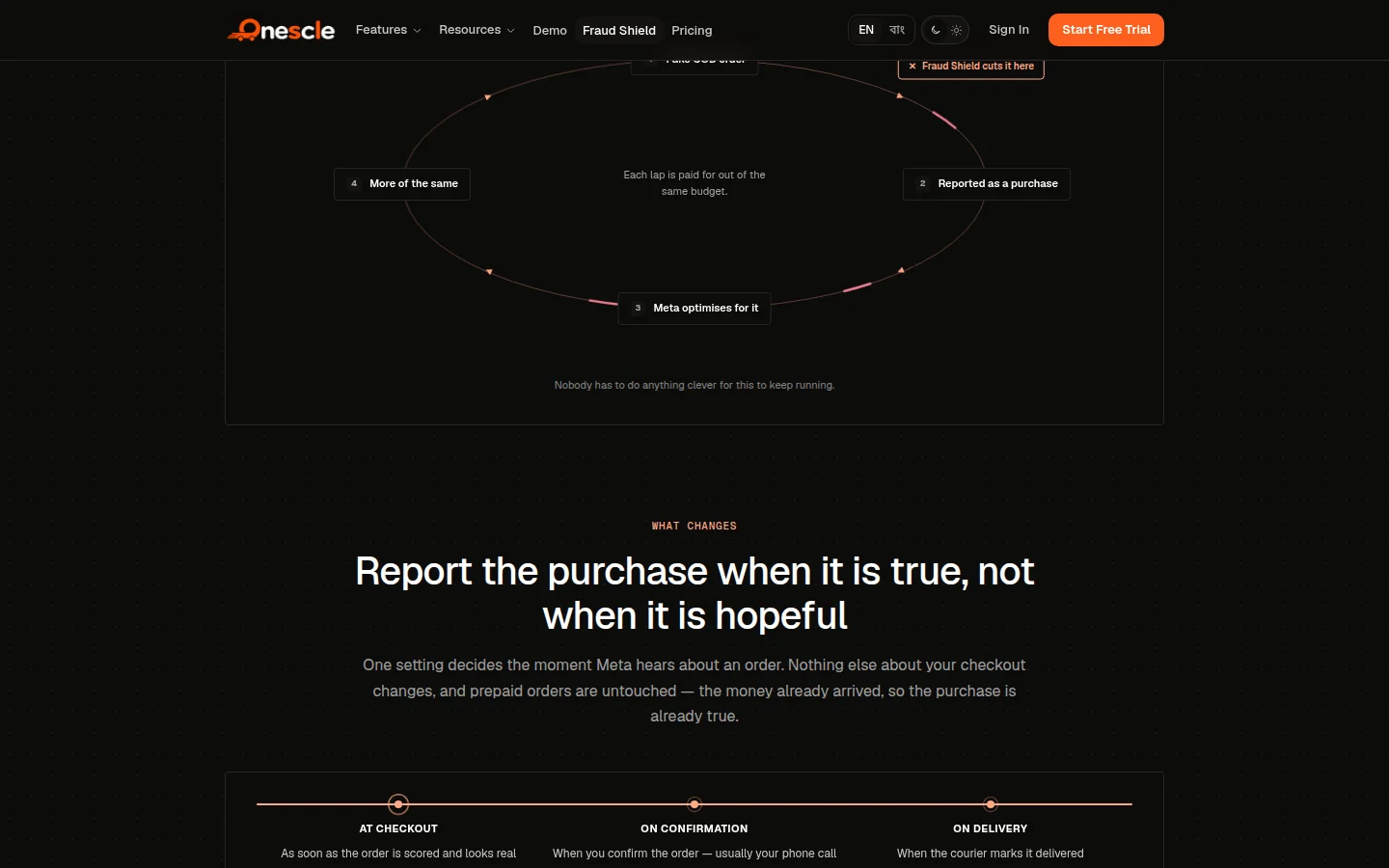
Security is also about money. Fake cash-on-delivery orders are one of the biggest losses for online shops here. Onescle's Fraud Shield checks each COD order before it is confirmed, and only tells Meta about a purchase once the order is real. That protects the courier budget and the ad budget at the same time.
What I tell every merchant
No system is perfect, and anyone who says their product is "100% secure" is not being honest. What I can promise is that Onescle is designed so one mistake does not become a disaster: the database checks what the code already checked, a password alone is not enough, and every important change leaves a trail.
If you find a security problem in Onescle, please report it to security@onescle.com. I read every report myself.